You can find all our articles for Free Members
AI for the PMO: What to Do After You’ve Been Told to “Use AI”
Our brand-new Practical AI Skills for the PMO course is now live and open for booking, and if the response to this session was anything to go by, there’s a real appetite for this kind of hands-on learning right now.
In the webinar, Mike Weston-Burt gave a brilliant introduction to what AI means for PMO professionals right now. He explored how AI can help PMOs move beyond admin and reporting into a more strategic role, shared some of the key challenges PMOs face today, and showed how practical AI tools can help tackle data overload, improve insight, support better decision-making and free people up to focus on the work that really adds value.
With hundreds of people joining the session and just 12 places available on each course, there’s definitely a sense that these places won’t hang around for long. If you’ve been thinking about how AI can genuinely help you in your PMO role, not just in theory, but in practical day-to-day work.
This course is designed for exactly that. You can book your place here>>>
The Session Recording
Presentation Deck
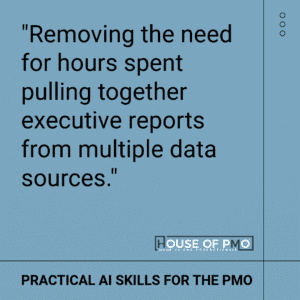
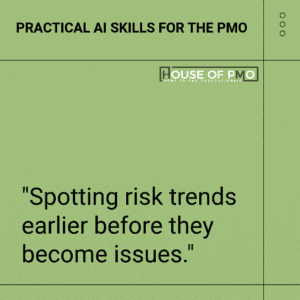
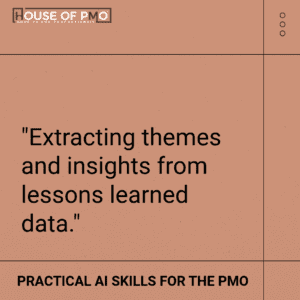
Download the DeckDuring the webinar, PMO professionals shared how they are already experimenting with AI in their organisations – from generating meeting summaries and analysing project data to identifying trends in risk logs and lessons learned. Many participants highlighted the potential for AI to significantly reduce the time spent compiling executive reports and instead help PMOs focus on generating meaningful insights.
5 takeaways from the session
1. AI is not about replacing PMO people it’s about reshaping the role
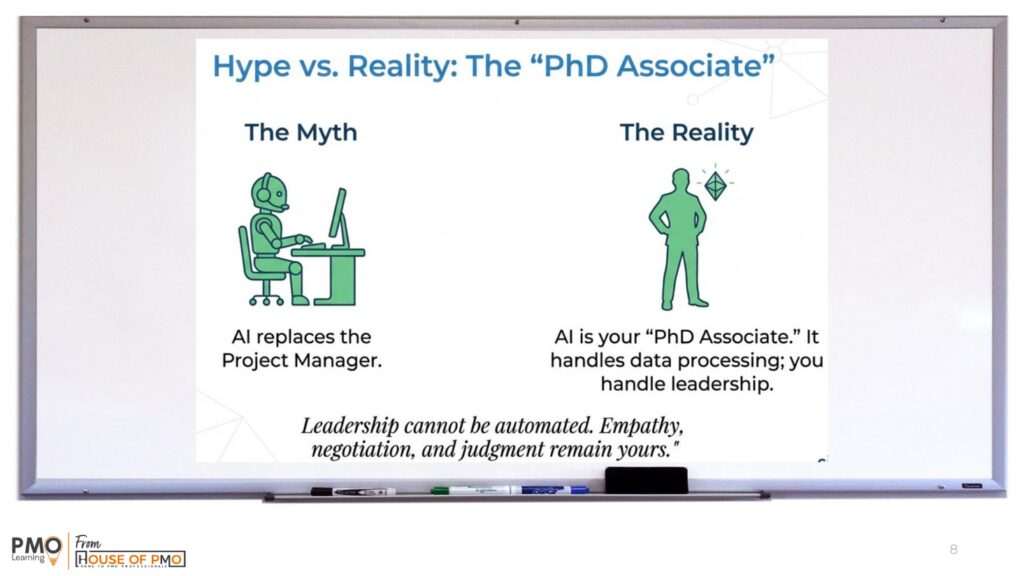
One of the strongest messages from Mike was that AI is not here to “steal jobs”. Instead, it has the potential to remove some of the repetitive, time-consuming, lower-value tasks that so many PMO professionals get stuck with.
That means less time spent on the boring bits and more time on the work that really matters, stakeholder engagement, decision support, insight, leadership and adding strategic value. The shift is from PMO as administrator to PMO as strategic architect.
2. PMOs are drowning in data but starving for insight
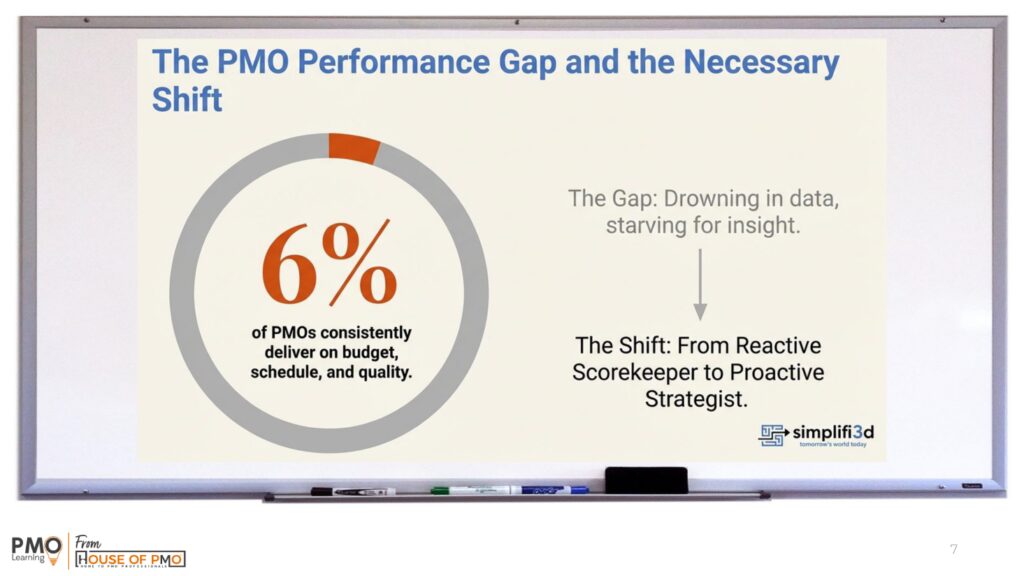
This really landed. Most PMOs already have access to masses of information, reports, risks, actions, lessons learned, updates, dashboards, meeting notes but having data is not the same as having insight.
Mike talked about the need to move from lag indicators to lead indicators, and from simply describing what has happened to predicting what might happen next and even prescribing what action should be taken. That’s where AI can make a real difference: spotting patterns, clustering themes and helping PMOs get to the root cause of issues much faster than traditional approaches.
3. Better prompting means better results
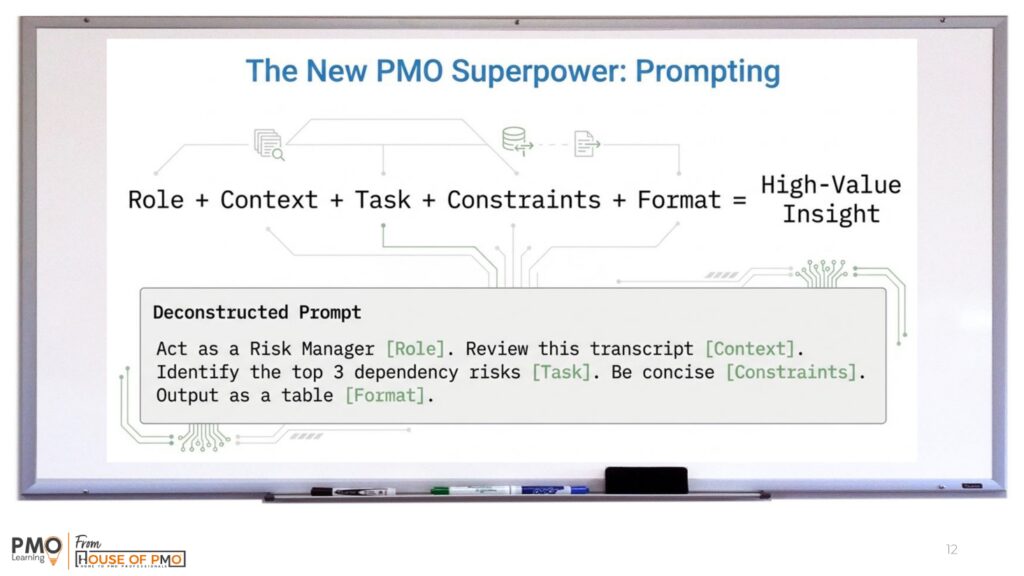
A big part of the course focuses on prompt engineering and, increasingly, context engineering too.
Mike made the point that most people rush straight into typing something into an AI tool and then feel disappointed with the answer. Instead, he described prompting as a three-stage process: planning, prompting and then refining through conversation.
Instead of asking vague questions, the most effective prompts follow a simple structure:
Role + Context + Task + Constraints + Format
For example:
Act as a risk manager. Review this project transcript. Identify the top three dependency risks. Be concise. Output the results as a table.
This structure dramatically improves the quality of AI outputs and makes the results far more useful for PMO work.
That was a useful reminder that tools like ChatGPT are designed to be worked with, not treated like a one-off search engine. The real value comes when you iterate, improve, challenge and build the context properly. In other words, the magic tends to happen in the back-and-forth.
4. AI can help PMOs move from “PMO theatre” to real impact
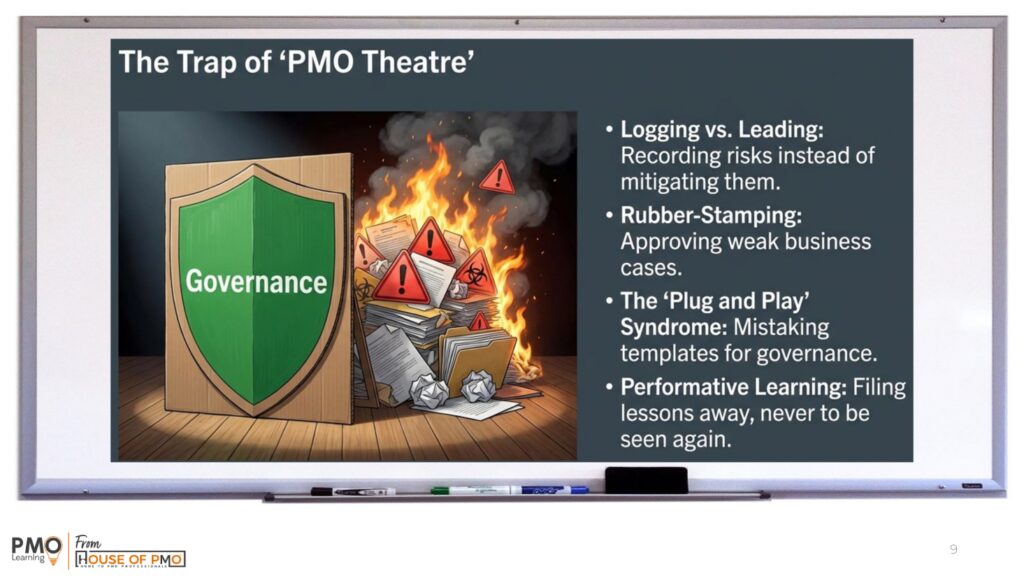
One of the standout parts of the webinar was Mike’s challenge around “PMO theatre” all the activity that looks impressive on the surface but doesn’t necessarily shift anything meaningful underneath.
He highlighted the difference between PMOs that merely document risks and lessons learned, and PMOs that actively use them to drive better conversations, better decisions and better outcomes. AI can support that shift by helping PMOs analyse information more intelligently, identify trends earlier and focus attention where it really matters.
Examples included:
- logging risks instead of helping resolve them
- approving weak business cases
- using templates without understanding governance
- capturing lessons learned that nobody ever uses
It’s a good provocation for any PMO: are we just producing the paperwork, or are we helping the organisation act?
5. The five point approach
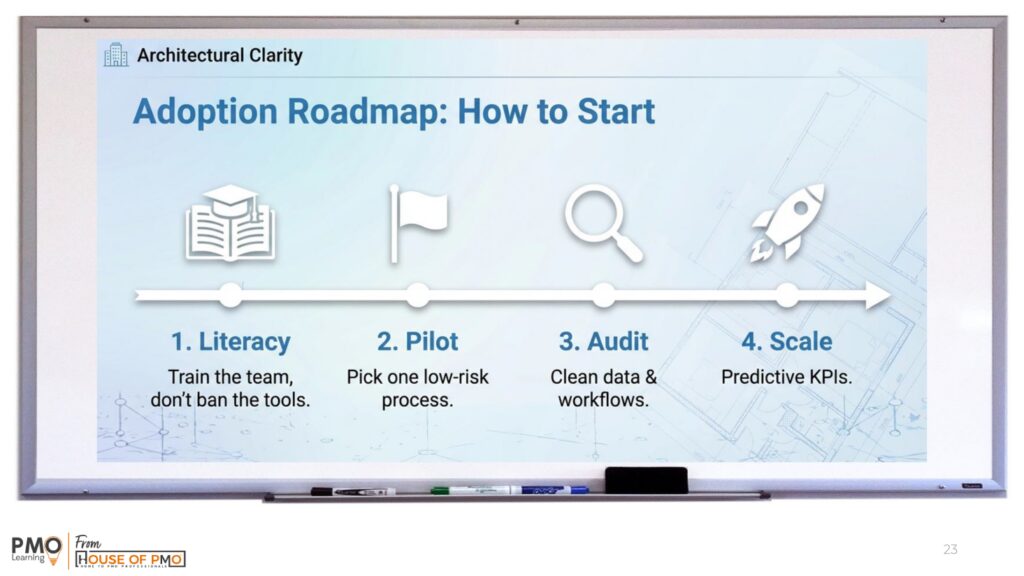
- Start with augmentation rather than automation – AI supports PMO work rather than replacing it.
- Focus on high-effort, repeatable activities such as reporting, data synthesis and documentation.
- Keep a human in the loop – AI outputs should always be reviewed and interpreted.
- Build capability gradually through experimentation and learning.
- Treat AI as another analytical tool within the PMO toolkit.
6. The future of PMO learning needs to be hands-on
What came through clearly is that this course is not going to be two days of sitting back and watching slides. Mike talked about making it a genuinely practical experience, with around 60% hands-on case study work.
That means participants will be using the tools themselves, testing prompts, comparing outputs, learning from each other and seeing first-hand how different approaches produce different results. There’s also planned coverage of tools such as Copilot, ChatGPT, Gemini and NotebookLM, along with practical applications across the project lifecycle.
That hands-on focus feels especially important with AI. You only really start to understand what it can do when your own fingers are on the keyboard.
Try this next week
- Take one recent project report and ask AI to produce a concise executive briefing.
- Upload a risk register and ask AI to identify emerging themes.
- Use AI to summarise a meeting transcript into actions and decisions.
- Ask AI to review a business case or proposal and highlight assumptions or risks.
- Capture the time saved to build an early business case for AI adoption.
Ready to build practical AI skills for your PMO role?
If this session showed anything, it’s that PMO professionals are ready to get beyond the hype and start learning how to use AI in ways that are practical, relevant and immediately useful.
The Practical AI Skills for the PMO course is delivered virtually over two days, and with only 12 places available, it’s a small-group learning experience designed to give people plenty of opportunity to ask questions, try things out and learn directly from Mike.
If you want to be part of it, now’s the time to book your place
What PMO people are using AI for right now
Here are some of the quotes from the session chat: